
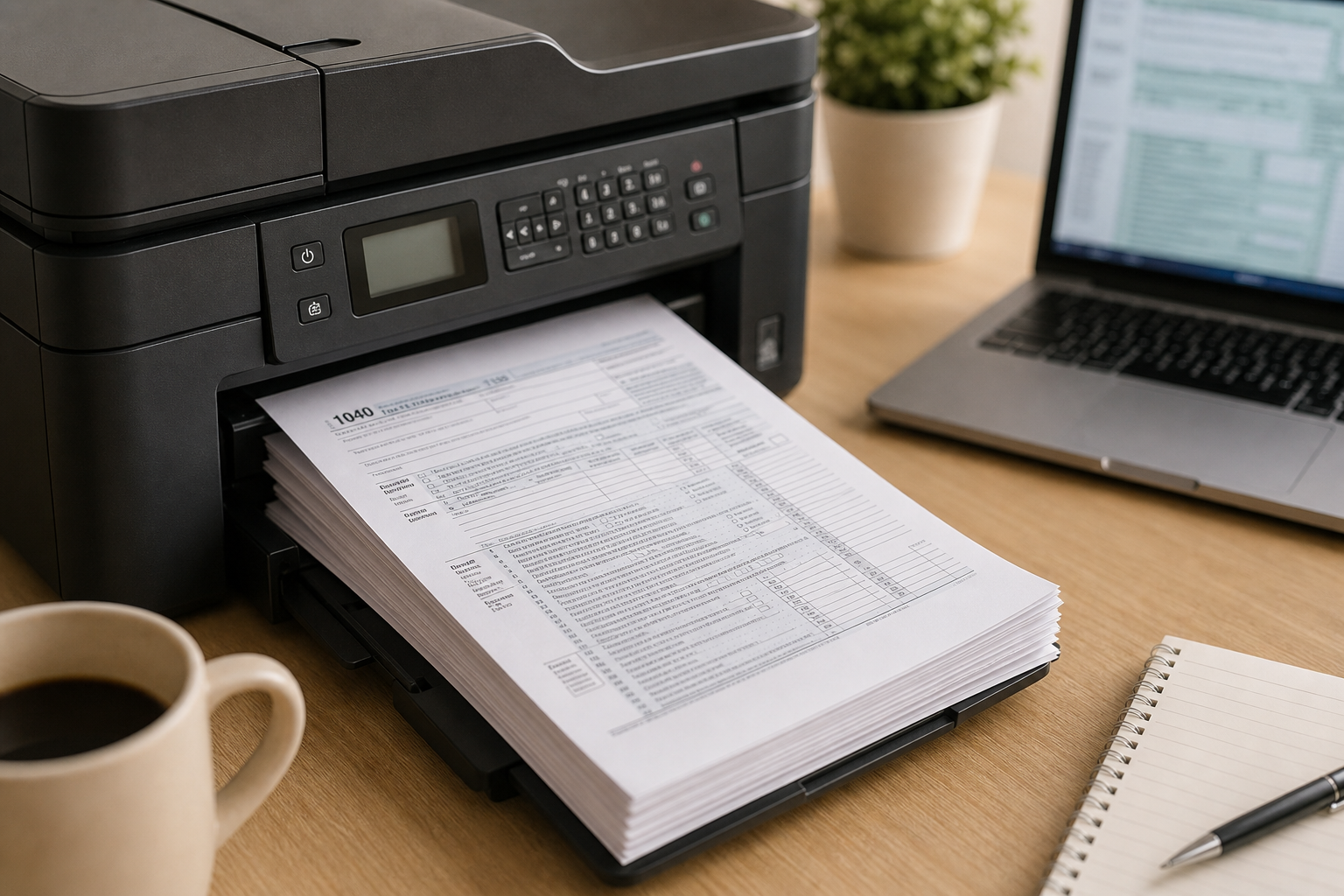
Yes, businesses can print many W-2 and 1099 recipient copies on plain paper, but the IRS has specific rules about which copies qualify and how they must be formatted. In most cases, 1099 recipient copies may be printed on plain white paper if they include all required information and remain easy to read. W-2 forms follow stricter substitute form standards.
Key Takeaway: Most businesses can print 1099 recipient copies on plain paper as long as the forms meet IRS substitute form requirements. W-2 recipient copies may also qualify, but they must closely follow IRS formatting standards. IRS and SSA filing copies still require official formatting or electronic filing compliance.
The IRS separates tax forms into two categories: filing copies sent to the government and recipient copies delivered to employees or contractors. Recipient copies have more flexibility, while IRS and SSA filing copies must meet stricter printing and scanning requirements.
What Does the IRS Say About Plain Paper Tax Forms?
The IRS allows businesses to use “substitute forms” for many tax documents instead of official preprinted forms. These rules are explained in:
- IRS Publication 1179 for most 1099 forms
- IRS Publication 1141 for W-2 forms
These publications explain:
- Required fields and disclosures
- Font and layout requirements
- Field placement standards
- Readability and printing specifications
For most 1099 recipient copies, the IRS allows businesses to print forms on plain white paper using black ink. The form does not need the official red-ink background used for IRS filing copies.
W-2 forms are more restrictive. Employee copies must closely follow the official form layout, including spacing, field placement, and font sizing requirements.
Which Copies Can Be Printed on Plain Paper?
The biggest difference is whether the form goes to the government or to the recipient.
Copies Filed With the IRS or SSA
Government filing copies have stricter requirements.
- W-2 Copy A must use the official red-ink form or an approved substitute that meets SSA scanning requirements.
- 1099 Copy A generally must use the official IRS red-ink paper form if filing by mail.
You cannot print Copy A on regular white paper and mail it to the IRS or SSA.
If you e-file instead, you avoid these paper filing requirements entirely.
Recipient Copies Sent to Employees or Contractors
Recipient copies are much more flexible.
Businesses can usually print:
- 1099 Copy B
- W-2 employee copies
- Additional recipient copies
on plain white paper if the forms:
- include all required information
- remain readable
- closely match IRS substitute form standards
Most payroll and tax filing software automatically generates compliant recipient copies.
Plain Paper vs. Preprinted Forms
Both methods can work, but they serve different needs.
Plain Paper Printing Works Best When:
- You e-file with the IRS or SSA
- Your software automatically creates compliant forms
- You only need recipient copies
- You want to reduce printing and mailing costs
Modern e-filing platforms usually handle this automatically.
Preprinted Forms Work Best When:
- You paper file with the IRS
- You want the lowest compliance risk
- You prepare forms manually
- You are unsure whether your software meets IRS formatting standards
Preprinted forms cost more, but they reduce the risk of formatting problems.
Common Plain Paper Printing Mistakes
Businesses run into problems when they:
- Print IRS Copy A on regular white paper
- Use outdated software templates
- Create forms manually without checking IRS requirements
- Ignore annual IRS formatting updates
Even small formatting issues can cause rejected forms or processing delays.
Is Electronic Delivery Easier?
For many businesses, yes.
The IRS allows electronic delivery of W-2 and 1099 recipient copies if the employee or contractor gives consent first.
For W-2 forms:
- Employees must affirmatively agree to electronic delivery.
For 1099 forms:
- Contractors and payees must also provide consent before electronic delivery.
Electronic delivery helps businesses:
- avoid printing costs
- reduce mailing delays
- improve security
- simplify recordkeeping
Many e-filing services, such as WageFiling, also provide secure online access to recipient copies and support SSN masking for added protection.
For more information about secure delivery and SSN masking, see WageFiling’s guide on secure W-2 and 1099 e-filing.
For official IRS substitute form requirements, review IRS Publication 1179.
Frequently Asked Questions
Can I print Copy A of a 1099 on plain paper?
No. IRS Copy A generally must use the official red-ink paper form if you file by mail. Plain white paper does not meet IRS scanning requirements. Businesses that want to avoid red forms usually choose electronic filing instead.
Can I print W-2 employee copies on plain paper?
Yes, but the forms must meet the substitute form standards in IRS Publication 1141. The layout, spacing, and formatting must closely match the official version.
Can I email 1099 forms to contractors?
Yes, but only if the contractor gives prior consent to electronic delivery. Businesses must also provide information about how to request a paper copy and withdraw consent.
Do most e-filing services handle this automatically?
Yes. Most modern payroll and e-filing platforms automatically generate compliant recipient copies for electronic delivery or printing.
Disclaimer: This content is for informational purposes only and should not be considered tax or legal advice. Consult a qualified tax professional regarding your specific filing situation.